
Complete Guide · Free Tools Edition · 2025
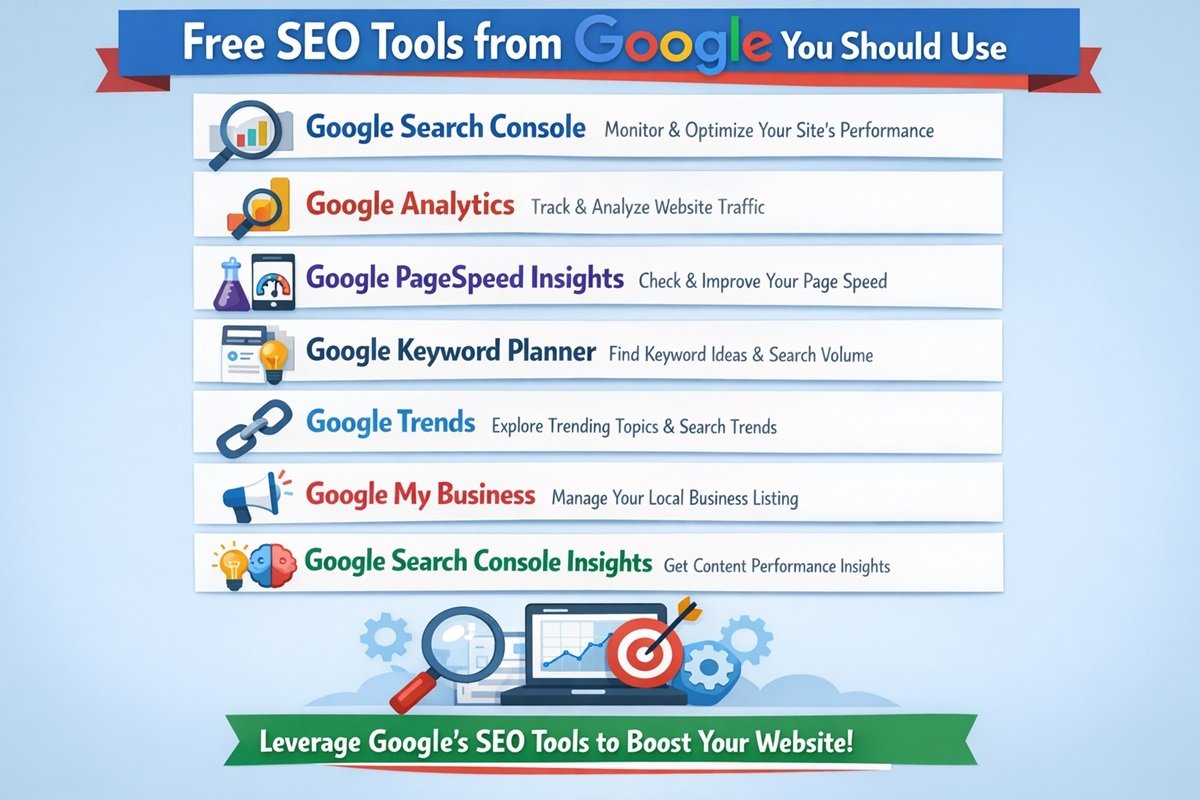
Free SEO Tools from Google You Should Use
Google builds the tools that power the search engine shaping your organic visibility. Ignoring them is ignoring the rulebook — written by the referee. And the best part? Every single tool covered here is completely free.
Ranking on Google is no longer a game of guesswork and keyword stuffing. It is a precision discipline — and Google itself provides every serious practitioner with a full arsenal of diagnostic, research, and optimization tools at zero cost. The only question is whether you are actually using them.
This guide covers the 10 most impactful free Google tools for SEO — what each one does, why it matters for your rankings, and specific pro tips for extracting maximum value from each. Whether you are just starting out or managing a high-traffic site, these tools belong in your daily workflow.
At a Glance
Free Tools Covered
Total Cost
Google’s Search Share
Tool 01 of 10
Google Search Console
search.google.com/search-console
If you use only one tool from this entire list, let it be Search Console (GSC). It is your direct line of communication with how Google actually sees your website — not how you think it sees it, and not how third-party tools estimate it.
The Performance Report is where most users spend the bulk of their time. It surfaces the exact queries that triggered your pages in Google’s results, along with impressions, clicks, average position, and click-through rate (CTR) for each. This data is invaluable: you can identify high-impression, low-CTR keywords where a better meta title or description could unlock significant traffic gains without changing your rankings at all.
Key Features Inside Search Console
- Performance reports by query, page, country and device
- URL Inspection Tool — see any page as Googlebot sees it
- Index Coverage — find pages blocked or excluded from the index
- Sitemaps submission and monitoring
- Core Web Vitals report based on real user field data (CrUX)
- Mobile Usability issue detection and reporting
- Manual Actions and Security Issues alerts
- Rich Results / structured data status monitoring
- Links report showing internal and external backlinks
The URL Inspection Tool is particularly underrated. Paste any URL and Google reveals whether it has been indexed, when it was last crawled, what canonical URL it detected, any indexing issues, and even the rendered HTML — showing you exactly what Googlebot sees after JavaScript executes. This is essential for diagnosing why a page might not be appearing in search despite being live on your site.
The Core Web Vitals report within GSC is unique because it shows field data — real measurements from actual Chrome users visiting your pages, aggregated by Google. Unlike lab-based tests, this reflects genuine user experience at scale. Pages flagged as “Poor” here are almost certainly experiencing ranking disadvantages, making this a priority remediation list.
“A CTR improvement from 3% to 5% on a 50,000-impression keyword means 1,000 additional free visitors per month — from a single meta title rewrite.”
⚡ Pro Tip
Filter the Performance report by “Impressions greater than 1,000” and sort by CTR ascending. Every high-impression keyword with a CTR below 2% is an immediate optimization opportunity requiring only copy changes — no content rewrites, no link building, no technical work needed.
Tool 02 of 10
Google Analytics 4 (GA4)
analytics.google.com
While Search Console tells you how you perform in search results, Google Analytics 4 tells you what happens after the click. Understanding user behavior, bounce patterns, session depth, and conversion pathways is fundamental to an SEO strategy that drives real business outcomes — not just traffic numbers.
GA4’s event-based model is a significant evolution from Universal Analytics. Every user interaction — a scroll, a video play, a form submission, a file download — can be tracked as an event. This enables far richer behavioral analysis than pageviews alone. For SEO practitioners, the most valuable data lives in the intersection of traffic source (Organic Search) and engagement metrics like engaged sessions, average engagement time, and conversion rates.
Highest-Value SEO Uses in GA4
- Organic traffic trend analysis over days, weeks, and months
- Landing page performance sorted by engagement rate
- Conversion attribution from organic search sessions
- User journey and funnel visualization reports
- Device and geographic breakdown for organic traffic
- Audience segments for retargeting organic visitors via ads
Link GA4 with Search Console to unlock a unified view inside the GSC integration report: see which queries lead to which pages, then track what those visitors do after they land. This organic search funnel analysis is something no standalone paid tool fully replicates.
⚡ Pro Tip
Create a custom Exploration report in GA4 with “First user source = google / organic” and break it down by landing page and engaged sessions. Pages with high organic traffic but low engagement are strong candidates for content quality improvements that will simultaneously benefit your rankings.
Tool 03 of 10
Google Keyword Planner
ads.google.com/aw/keywordplanner
Keyword Planner lives inside Google Ads, but you do not need to run paid campaigns to use it effectively. The tool draws on Google’s own search data — the same data powering the world’s largest search engine — to provide search volume ranges, competition levels, and keyword suggestions for any seed term or URL you enter.
Unlike third-party keyword tools that estimate volume from clickstream data or algorithmic modeling, Keyword Planner is sourced directly from Google’s ad auction data — making it among the most authoritative volume indicators available. The ranges shown (“1K–10K” rather than exact numbers) are a limitation, but the relative ordering and trend data remain highly valuable for content prioritization.
How to Extract Maximum Value
- Enter a competitor’s URL to discover their keyword themes
- Use “Discover new keywords” with 5–10 seed terms simultaneously
- Filter by average monthly searches and competition level
- Analyze historical trend data to spot seasonal opportunities
- Download results to CSV for offline clustering and content planning
- Use “Top of page bid” (CPC) as a proxy for commercial intent
For SEO specifically, high-CPC keywords in Keyword Planner deserve special attention. A keyword commanding expensive paid bids signals that advertisers are profitably converting that traffic — meaning organic rankings for the same terms are likely to generate real business value, not just vanity metrics.
⚡ Pro Tip
Create a Google Ads account in “Expert Mode” and skip creating a live campaign to access full Keyword Planner functionality without spending any money. Without an active campaign, Google limits volume data to very broad ranges — activating the account (even with a $0 budget) unlocks significantly more precise estimates.
Tool 04 of 10
PageSpeed Insights
pagespeed.web.dev
Page experience has been an explicit Google ranking signal since 2021, and PageSpeed Insights (PSI) is the official tool for auditing it. PSI combines Lighthouse lab diagnostics with Chrome User Experience Report (CrUX) field data — real-world measurements from actual users — making it uniquely authoritative compared to other speed testing tools.
The Core Web Vitals measured here — Largest Contentful Paint (LCP), Interaction to Next Paint (INP), and Cumulative Layout Shift (CLS) — directly correspond to the metrics Google incorporates into its Page Experience ranking signals. A “Good” rating across all three is the target for every page on your site.
Core Web Vitals — Target Thresholds
- LCP (Largest Contentful Paint): Under 2.5 seconds = Good
- INP (Interaction to Next Paint): Under 200 milliseconds = Good
- CLS (Cumulative Layout Shift): Under 0.1 = Good
- FCP (First Contentful Paint): Under 1.8 seconds = Good
- TTFB (Time to First Byte): Under 0.8 seconds = Good
The diagnostics section beneath the scores provides specific, actionable recommendations: eliminate render-blocking resources, reduce unused JavaScript, serve images in next-gen formats (WebP, AVIF), implement efficient cache policies, and more. Each recommendation includes estimated potential savings in milliseconds, enabling you to prioritize highest-impact fixes first.
⚡ Pro Tip
Mobile scores almost always lag Desktop by 30–50 points due to network throttling in the test environment. Prioritize Mobile scores for ranking impact, as Google uses mobile-first indexing. An LCP above 4 seconds on mobile is a significant ranking disadvantage in competitive niches — even if your desktop score is excellent.
Tool 05 of 10
Google Trends
trends.google.com
Keyword Planner tells you how much traffic a term gets. Google Trends tells you whether that traffic is growing, shrinking, or seasonal. This distinction is critical for long-term content strategy: investing deeply in a declining topic delivers diminishing returns, while identifying a rising trend early can put you ahead of competition before the market matures.
Trends shows relative interest over time on a 0–100 normalized scale, broken down by region, sub-region, city, and time period (going back to 2004). The “Related queries” and “Related topics” sections are particularly powerful for content ideation — they reveal the specific angles people are searching alongside your core topic.
Strategic SEO Uses of Google Trends
- Identify seasonal content publishing windows — publish before the spike
- Compare multiple keyword variants to choose the dominant form
- Spot emerging trends before competitors saturate the topic
- Discover geographic variation in topic interest for local SEO
- Validate a keyword isn’t a “flash in the pan” before investing
- Track brand search volume trends vs. competitors over time
⚡ Pro Tip
Use the “Compare” feature to pit up to 5 related keyword variants against each other simultaneously. This quickly reveals which variant has dominant search volume — for example “email marketing” vs. “email marketing strategy” vs. “email marketing tips” — ensuring you target the primary term in your content and use alternatives as secondary keywords.
Tool 06 of 10
Mobile-Friendly Test
search.google.com/test/mobile-friendly
Google has operated a mobile-first index since 2019 — meaning the mobile version of your site is the primary version Google crawls, indexes, and uses for ranking. If your mobile experience is broken, slow, or inaccessible, your rankings suffer regardless of how polished your desktop site appears.
The Mobile-Friendly Test renders your page through Googlebot’s mobile crawler and provides a pass/fail verdict on mobile usability, alongside a screenshot of how the page actually renders and a detailed list of loading issues including blocked resources that may interfere with rendering.
What It Tests and Why It Matters
- Text too small to read on mobile viewports
- Touch elements positioned too close together
- Content wider than the screen causing horizontal scrolling
- Blocked JavaScript, CSS, or images via robots.txt rules
- Viewport not configured (missing meta viewport tag)
- Intrusive interstitial overlays that obstruct main content
⚡ Pro Tip
Test your most critical landing pages and product pages specifically, not just the homepage. Homepages are almost always mobile-optimized; it is the deep content pages and older blog posts that tend to harbor lingering mobile issues that are silently harming your rankings.
Tool 07 of 10
Rich Results Test
search.google.com/test/rich-results
Structured data (Schema markup) enables your search results to display as rich results — review stars, FAQ dropdowns, recipe cards, event listings, product prices, and more. Rich results dramatically increase the visual real estate your listing occupies in SERPs, and studies consistently show they improve CTR by 20–30% even when rankings remain unchanged.
The Rich Results Test validates whether your structured data is correctly implemented and eligible to trigger rich result features. It renders the page as Googlebot sees it, parses all detected Schema types, and surfaces any errors or warnings that would prevent rich features from appearing in search results.
Rich Result Types Worth Implementing
- FAQ — frequently asked questions on the page
- HowTo — step-by-step instructional content
- Product — price, availability, and review ratings
- Review / AggregateRating — star ratings in results
- LocalBusiness — address, hours, phone number
- BreadcrumbList — site navigation breadcrumbs
- VideoObject — video content metadata and thumbnail
⚡ Pro Tip
After implementing and testing structured data, submit the URL for re-indexing via Search Console’s URL Inspection Tool. Then monitor the “Rich Results” report inside GSC to confirm Google is successfully detecting and displaying your markup. Warnings in this report often reveal subtle implementation errors that the standalone Rich Results Test misses.
Tool 08 of 10
Google Alerts
google.com/alerts
Google Alerts is the most underused tool on this entire list. It monitors the web for new content matching queries you specify and delivers email notifications on your chosen schedule. For SEO, it functions as a passive intelligence system — one that operates 24/7 and surfaces link building and reputation opportunities you would otherwise miss entirely.
Set up alerts for your brand name (including common misspellings) to catch unlinked brand mentions — one of the highest-conversion link building tactics available. When someone mentions your brand without a hyperlink, a simple outreach email requesting a link back converts at a far higher rate than cold link requests from strangers.
Essential Alerts to Set Up Right Now
- Your brand name — exact and common spelling variations
- Your CEO or founder’s name for personal brand monitoring
- Your top 3 competitor brand names
- Your primary product or service keywords + “review”
- Your industry + “statistics” or “report” for data sourcing opportunities
- “[Your niche] + guest post” for outreach link building opportunities
⚡ Pro Tip
Use the “Only the best results” quality filter to reduce noise. Set delivery to “As it happens” for brand monitoring (to catch reputation issues quickly) and “Once a day” for competitive and keyword research alerts. Wrap phrases in quotes for exact match monitoring.
Tool 09 of 10
Google Looker Studio
lookerstudio.google.com
Formerly known as Data Studio, Looker Studio is Google’s free business intelligence and data visualization platform. For SEO teams and agencies, it transforms raw data from Search Console, GA4, and other sources into polished, interactive dashboards that make reporting genuinely insightful rather than a data-dump exercise no one reads.
Looker Studio connects natively with Google Search Console, Google Analytics 4, Google Ads, Google Sheets, and BigQuery. This means you can build a single dashboard that synthesizes your organic performance, advertising data, and custom spreadsheet data into one coherent, shareable view — without exporting a single CSV.
High-Value SEO Dashboard Components
- Organic clicks and impressions trend chart (rolling 12 months)
- Top 20 landing pages by organic sessions and conversions
- Position distribution chart (positions 1–3, 4–10, 11–20)
- Core Web Vitals status grouped by page category
- Branded vs. non-branded traffic split over time
- Monthly keyword ranking movement comparison table
⚡ Pro Tip
Build a “Content Decay” dashboard by pulling GSC data and comparing impressions/clicks in the last 90 days vs. the prior 90-day period. Pages with significant impression declines are being displaced by competitors and need immediate content refreshes. This is one of the highest ROI SEO activities available to any site with existing content.
Tool 10 of 10
Google Search Central
developers.google.com/search
Google Search Central is not a tool in the traditional sense — it is the official documentation hub — but treating it as a living reference is itself a competitive advantage. When algorithm updates roll out, when new structured data types are introduced, when crawl behavior changes, it is documented here first, before any SEO blog, before any tool update, before any conference talk.
The Search Central Blog provides official guidance directly from Google’s Search Relations team. The structured data documentation includes interactive code examples and the Rich Results Gallery shows every supported rich result type. For technical SEO work, this is the primary source of truth — not forum posts, not outdated tutorials, not third-party speculation.
Resources Within Google Search Central
- Official technical SEO and indexing documentation
- Structured data reference library and Rich Results Gallery
- Googlebot behavior and crawl budget documentation
- Search Central Blog — algorithm updates and new features
- Google Search Status Dashboard (live incident tracking)
- Search Central YouTube channel with video walkthroughs
⚡ Pro Tip
Bookmark the Google Search Status Dashboard at status.search.google.com and check it whenever you notice sudden traffic drops in GSC. Known crawling, indexing, or serving incidents are posted there in real time — often revealing that a traffic dip is a temporary Google-side issue rather than something requiring a site-level fix.
Also Read: The BigStory of Google
Final Verdict
Google Rewards Those Who Use Google’s Own Tools
There is a certain elegant logic to the fact that the world’s dominant search engine also provides the best free tools for understanding and improving your performance within it. These tools are not afterthoughts — they are built by the same teams that build the algorithms, and they reflect what Google actually measures and values.
Google Search Console is the non-negotiable foundation. PageSpeed Insights keeps your technical health aligned with ranking signals. GA4 closes the loop between organic traffic and real business outcomes. Keyword Planner and Google Trends together provide a research stack drawn from the world’s largest search dataset.
The practitioners consistently winning in organic search are not those with the most expensive toolstack. They are the ones who have mastered the fundamentals — and Google has handed you every fundamental tool you need, completely free of charge.
All tools listed are free as of 2025. Google products are subject to change. Verify current availability at each respective URL.
Also Read:
- What is SEO?
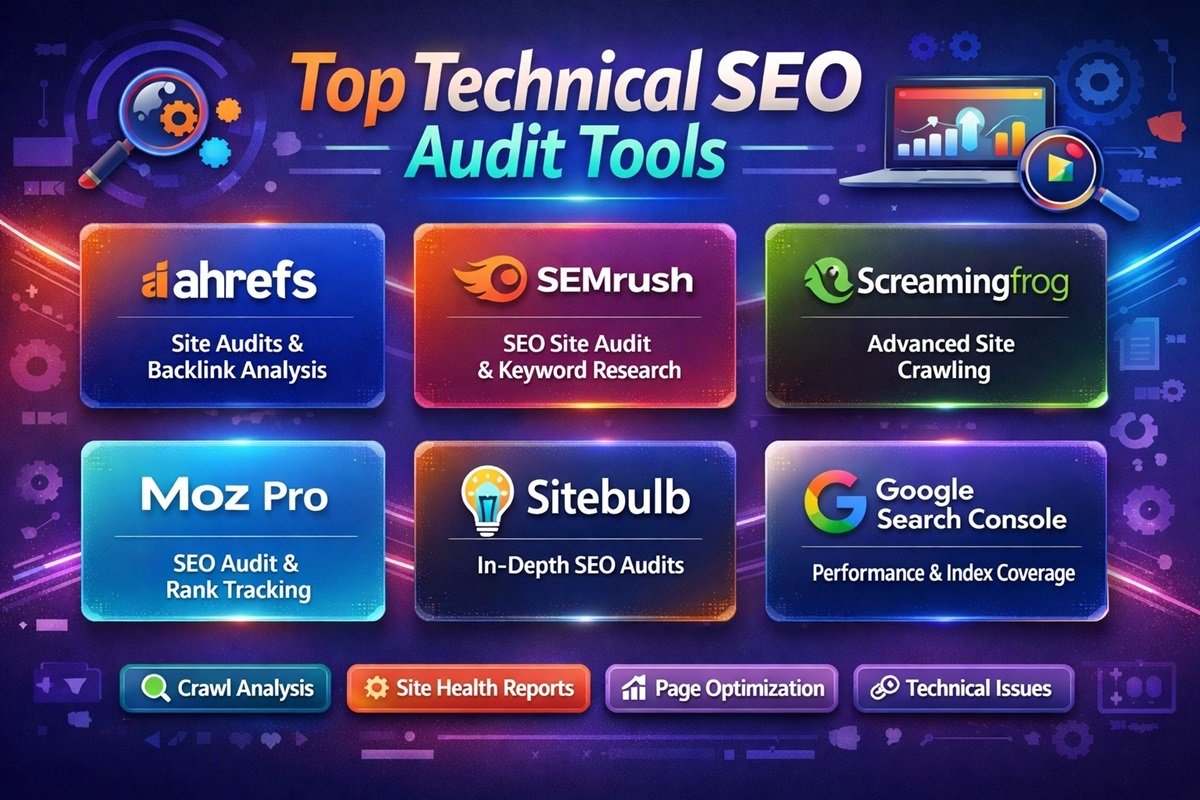
- Top Technical SEO Audit Tools
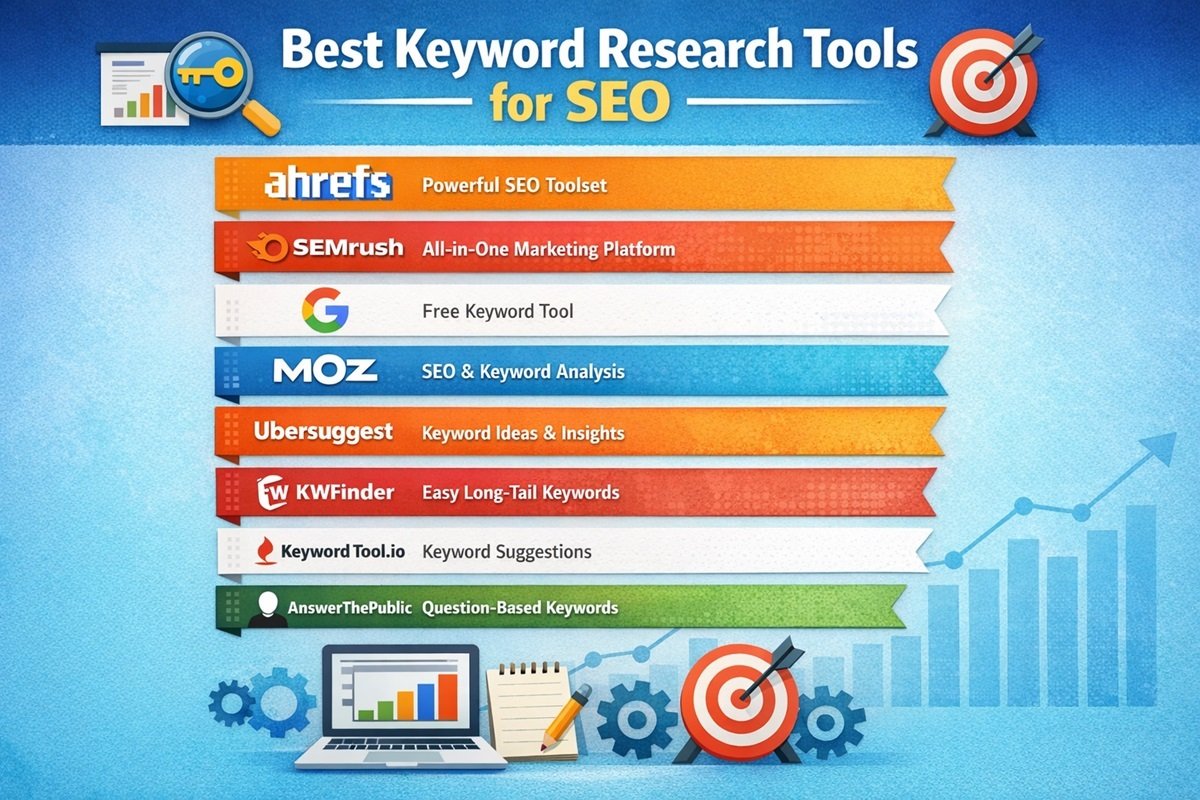
- Best Keyword Research Tools for SEO
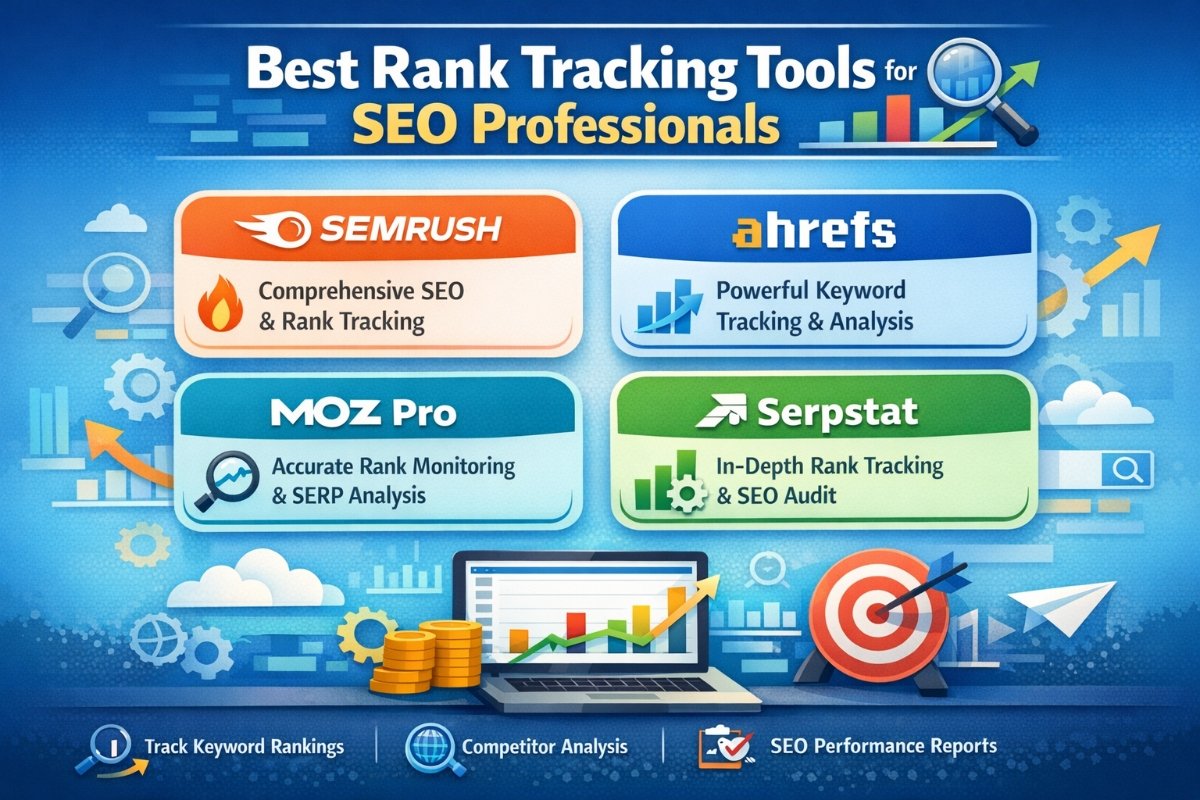
- Best Rank Tracking Tools for SEO Professionals
For More Updates, Visit https://digitalexpresshub.com/