
Key Takeaways
- Productivity tools help digital professionals manage tasks, time, and collaboration efficiently.
- Project management tools organize workflows and prevent missed deadlines.
- Automation tools reduce repetitive tasks and improve efficiency.
- Cloud storage and knowledge tools help manage digital assets and information.
- Communication platforms enable remote teams to collaborate effectively.
- The right productivity stack depends on workflow, role, and team size.
Digital professionals often manage multiple responsibilities at once. Marketers handle campaigns, designers create visual assets, developers build applications, and freelancers coordinate with clients and teams. Without the right productivity tools, it becomes difficult to stay organized and maintain efficiency.
Modern digital productivity tools help professionals streamline workflows, automate repetitive tasks, and collaborate with distributed teams. By using the right combination of apps and platforms, professionals can reduce stress, improve focus, and complete work faster.
Why Productivity Tools Matter for Digital Professionals
Digital work environments involve constant multitasking. Professionals switch between communication platforms, project dashboards, documents, and analytics tools throughout the day. Productivity tools help simplify these processes.
Here are some of the main reasons why digital productivity tools are essential:
- Task organization: Project tools help manage tasks and deadlines effectively.
- Improved collaboration: Communication platforms make teamwork easier.
- Better time management: Time tracking tools highlight where time is spent.
- Workflow automation: Automation tools reduce manual work.
- Centralized information: Knowledge tools keep resources organized.
For digital professionals working remotely or managing multiple clients, these tools become critical for maintaining productivity.
Key Categories of Productivity Tools
Different productivity tools support different aspects of digital work. A well-balanced productivity stack usually includes tools for project management, communication, knowledge management, automation, and file storage.
Task and Project Management Tools
Project management tools help organize tasks, track progress, and coordinate teamwork. These tools are particularly useful for agencies, freelancers, and remote teams.
- Trello: A visual project management platform that uses boards and cards to organize tasks. Ideal for simple workflows and small teams.
- Asana: A structured task management platform with timelines, task dependencies, and project tracking features.
- ClickUp: An all-in-one productivity platform that combines tasks, documents, goal tracking, and time management.
These tools help digital professionals keep projects organized and ensure nothing falls through the cracks.
Time Management and Focus Tools
Managing time effectively is one of the biggest challenges for remote workers and freelancers. Time tracking tools provide insights into productivity and help professionals identify distractions.
- RescueTime: Automatically tracks how time is spent on digital activities.
- Toggl Track: A simple time tracking tool widely used by freelancers and agencies.
- Forest: A focus app that encourages deep work by reducing smartphone distractions.
Using time tracking tools allows professionals to understand productivity patterns and optimize their schedules.
Communication and Collaboration Tools
Effective communication is critical for digital teams. Collaboration platforms help professionals stay connected regardless of location.
- Slack: A popular messaging platform that organizes conversations into channels.
- Microsoft Teams: Combines chat, video meetings, and file collaboration.
- Zoom: One of the most widely used tools for virtual meetings and webinars.
These platforms reduce reliance on email and enable faster team communication.
File Management and Cloud Storage Tools
Digital professionals manage large amounts of documents, assets, and files. Cloud storage platforms help organize and access these resources from anywhere.
- Google Drive: Provides cloud storage with built-in collaboration tools like Docs and Sheets.
- Dropbox: Known for reliable file synchronization and secure file sharing.
- Notion: Combines document storage with project management and knowledge management.
Cloud storage ensures that files remain accessible and securely backed up.
Note-Taking and Knowledge Management Tools
Professionals constantly gather information from meetings, research, and brainstorming sessions. Knowledge management tools help organize these ideas.
- Notion: A flexible workspace for notes, tasks, and documentation.
- Evernote: A classic note-taking tool used for capturing ideas and organizing research.
- Obsidian: A powerful knowledge management tool for creating interconnected notes.
These tools help professionals build personal knowledge systems and keep ideas organized.
Automation and Workflow Tools
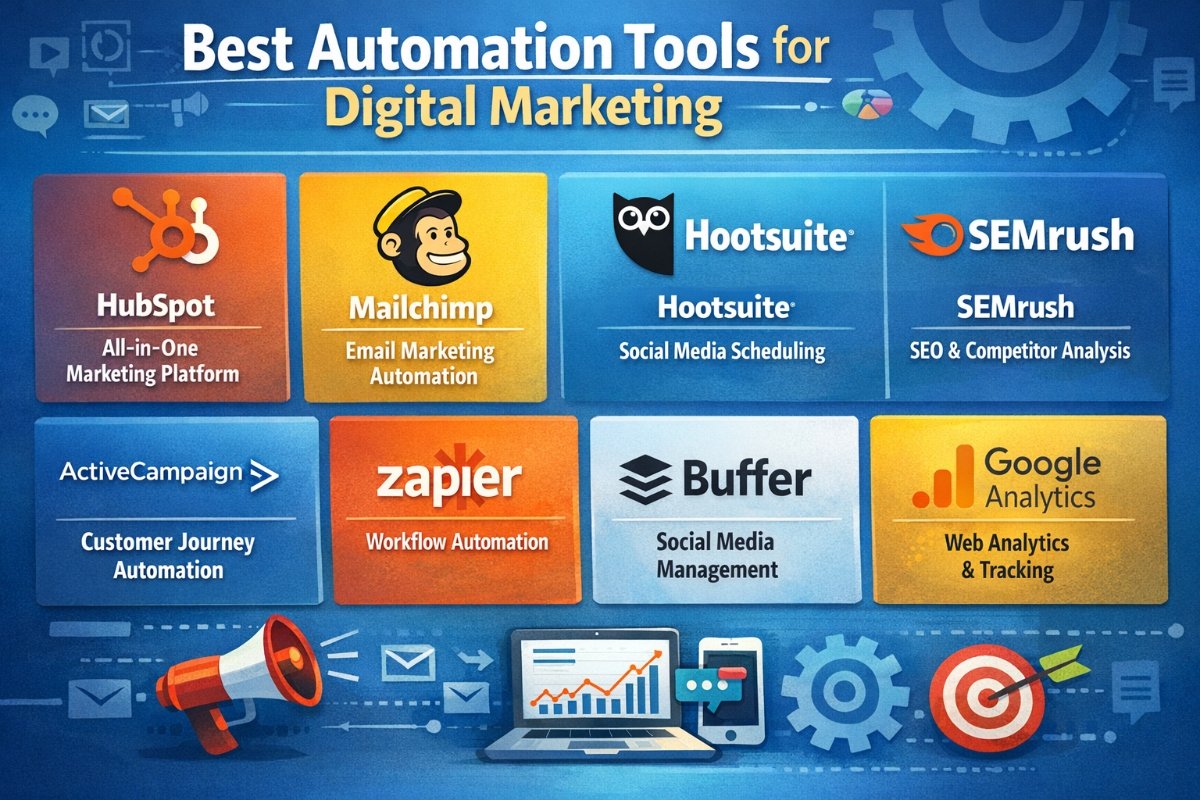
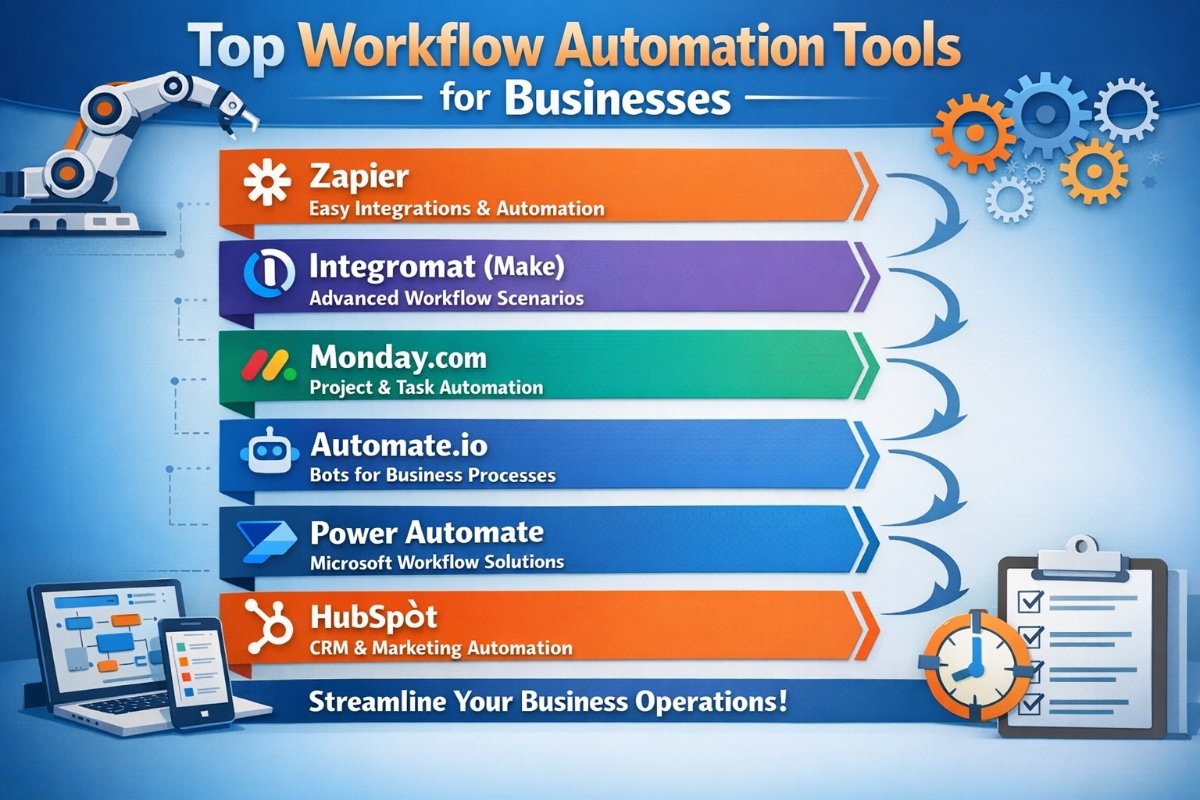
Automation tools allow digital professionals to connect different apps and automate repetitive workflows.
- Zapier: Connects thousands of apps and automates tasks between them.
- Make: Advanced automation platform for building complex workflows.
- Airtable: Combines spreadsheets and databases with automation capabilities.
Automation tools reduce manual work and improve operational efficiency.
How to Build a Personal Productivity Tool Stack
Choosing the right productivity tools depends on the type of work you perform. A marketing professional may need different tools compared to a developer or freelance designer.
When building your productivity stack, consider these steps:
- Identify your most time-consuming tasks
- Choose tools that automate or simplify those tasks
- Prioritize tools that integrate with each other
- Start with a minimal set of tools before expanding
- Regularly evaluate whether each tool adds value
A well-structured productivity system should simplify work, not create additional complexity.
Free vs Paid Productivity Tools
Many productivity tools offer both free and premium versions.
Free tools are ideal for freelancers, startups, and small teams. They provide basic functionality and allow professionals to test workflows without financial commitment.
Paid tools typically offer advanced features such as automation, integrations, analytics, and expanded storage capacity.
The best approach is to start with free tools and upgrade only when the additional features clearly improve productivity.
Common Productivity Mistakes Digital Professionals Make
Even with powerful tools, productivity can suffer if they are used incorrectly. Some common mistakes include:
- Using too many tools at once
- Choosing complex tools with unnecessary features
- Failing to integrate tools properly
- Not setting clear workflows
- Ignoring time tracking and productivity metrics
Keeping your digital workspace simple and focused often leads to better productivity results.
Future Trends in Digital Productivity Tools
The productivity software landscape continues to evolve. Several trends are shaping the future of digital work tools.
- AI assistants: AI-powered tools help automate writing, scheduling, and research tasks.
- Integrated work platforms: Tools combining project management, communication, and documentation.
- Smart automation: Advanced workflow automation with minimal manual configuration.
- Remote-first collaboration: Tools designed specifically for distributed teams.
These innovations will continue to transform how digital professionals manage their work.
Frequently Asked Questions
What productivity tools do digital professionals use?
Digital professionals commonly use project management tools like Trello and Asana, communication platforms such as Slack, cloud storage tools like Google Drive, and automation tools such as Zapier.
What are the best productivity tools for remote work?
Popular tools for remote work include Slack, Zoom, Microsoft Teams, Notion, and Google Workspace.
Are free productivity tools enough for professionals?
Many professionals successfully use free productivity tools. However, premium plans often provide advanced features that improve workflow efficiency.
How can automation tools improve productivity?
Automation tools reduce repetitive manual tasks by connecting apps and triggering automated workflows.
What is the best project management tool?
The best project management tool depends on workflow needs. Trello works well for simple projects, while Asana and ClickUp provide more advanced task management capabilities.
How do professionals manage digital workflows?
Professionals manage workflows using a combination of project management, communication, file storage, and automation tools.
Conclusion
Essential productivity tools play a vital role in helping digital professionals manage workloads, collaborate with teams, and stay organized. By selecting the right mix of tools, professionals can streamline workflows and focus on meaningful work instead of repetitive tasks.
There is no universal productivity stack that works for everyone. The most effective approach is to experiment with different tools, evaluate what improves your workflow, and build a productivity system that fits your professional goals.